
Quick question, what’s the biggest fear for today young generation?
Wrong, the correct answer is bad Wifi. Yes, not no Wifi, bad wifi is way worse than not having any connection at all.
Children growing up in the 90s and new millennium have gotten so used to technology and their constant needs for living in the cyber space led to a unique situation that sometimes, the first question they ask after came into a restaurant or cafe is “Excuse me, what’s the WiFi passwords?” (not sure about Canada cuz I haven’t drunk any Tim Horton’s or Starbucks’ since I landed 9 months ago but it is true in Vietnam, at least until I flew away). Aside from the edgy millennial stuff, having bad WiFi at home can be seriously frustrating experience when you’re trying to torrenting that new American Horror Story Apocalypse episode or pirating that textbook that the school’s bookstore is selling for 200 bucks while it’s free on the Internet or streaming music or trying to get some sweet reddit karma or just trying to watch some cat videos on YouTube (god forbid who stands between me and my cat).
So in this post, I will try to help you trouble shooting your home network and some tips on some upgrade so you’re prepare for the next couple of years to come.
Step 1: Router placement
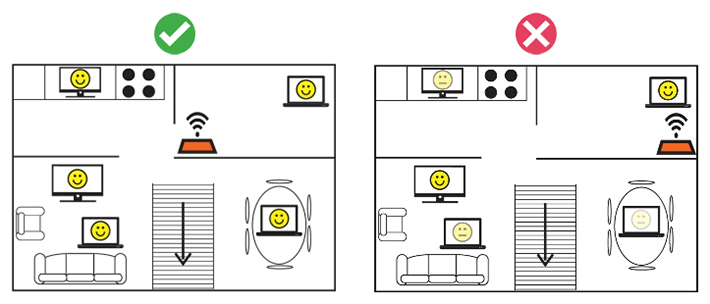
As a device that sending out signal, the placement of the router plays a huge role in its coverage. General rule of thumb if that the router should be place as high as possible and as close to the center of the area as possible. But for multiple stories home, a central router in the living room might not able to send WiFi signal to the upper floor so you might want to consider an extender.
Step 2: Extending coverage.
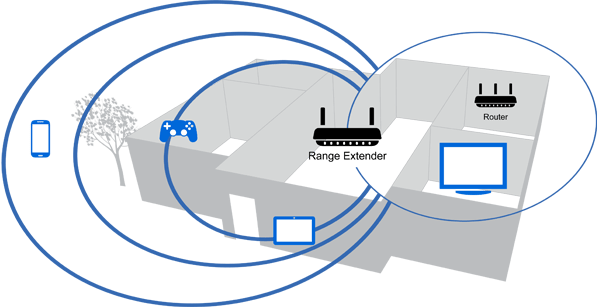
Here you have two choices, both with its pros and cons
1. Wired Extending aka Access Point.
2. Wireless Extending aka Repeater
For access point set-up, you have to physically connect an old router with the main router and set it up to act as an Access Point in the network (most router support this function, just dig around in the setting)
Pros: higher speed, like connecting directly to the main router. Can reuse old routers
Cons: needs a physical cable connection
For repeater set-up, you have to purchase a Wifi Wireless/Range Extender/Repeater, connect it to the main router using Wifi and put it in your desired location.
Pros: easy to set up, no need for extra cabling.
Cons: slower speed.
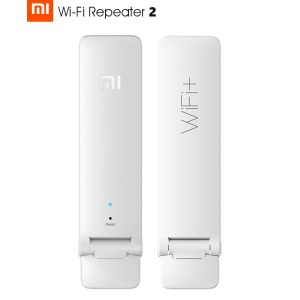
But after doing both steps, the Wifi still couldn’t handle my 4k cat videos streaming, what do I do now? Well my friend, you just have to upgrade to a better router.
Step 3: Buying a new router
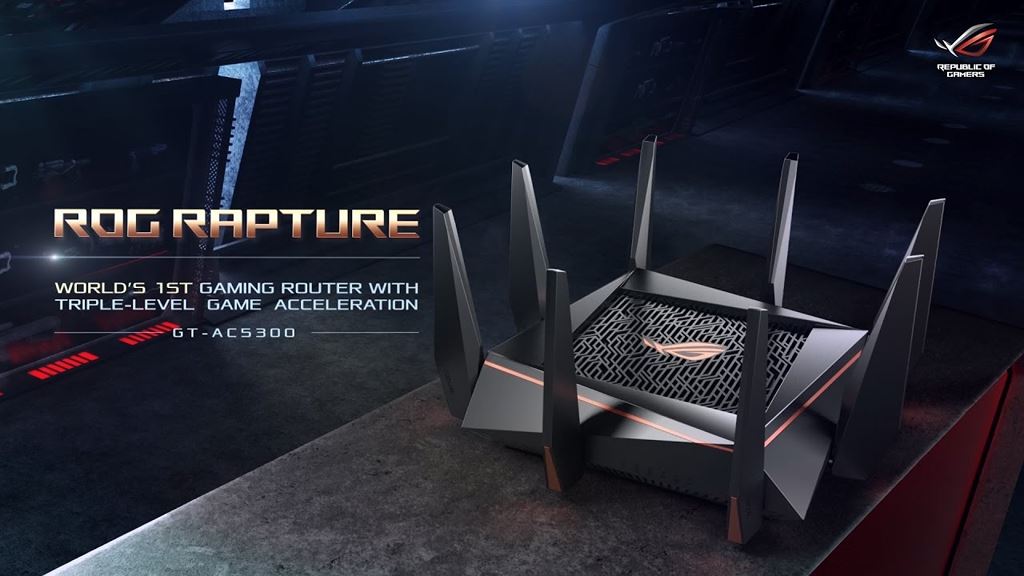
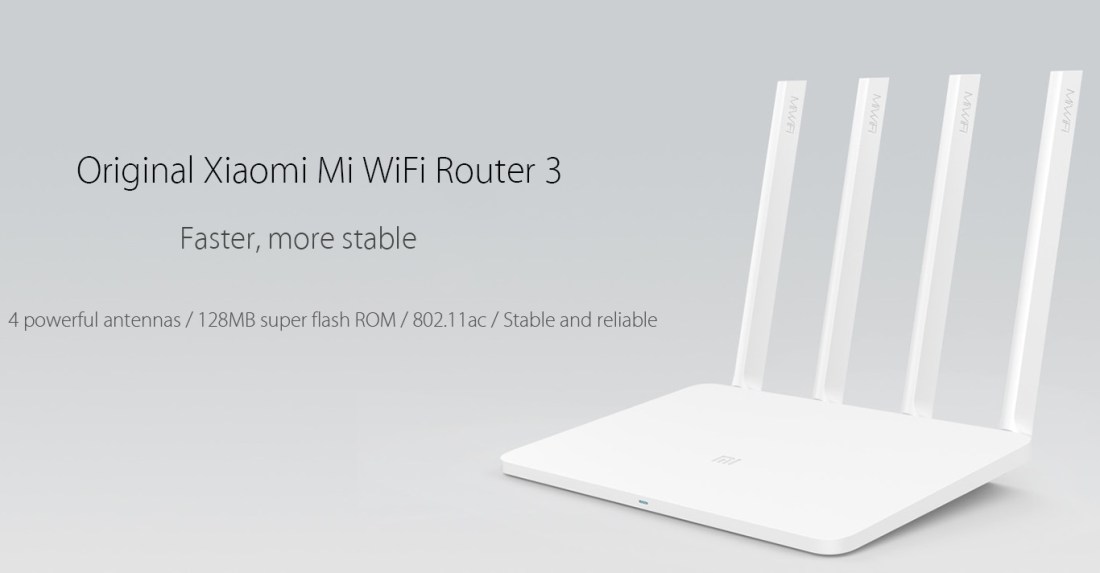
Getting a new Wifi is a good choice when you’re still using the IPS provided router (really?) and/or single-band router. People, it’s 2018, upgrade to 5GHz and AC Wifi now.
Wifi Standards: b/a/g/n/ac. Advancing from left to right, with N and AC standard supports dual 2.4 and 5GHz bands. 2.4Ghz being the most common Wifi band with bigger coverage at lower speed while the new 5GHz band is designed for faster connection at the cost of shorter range.
 Thomas' Tech Books